
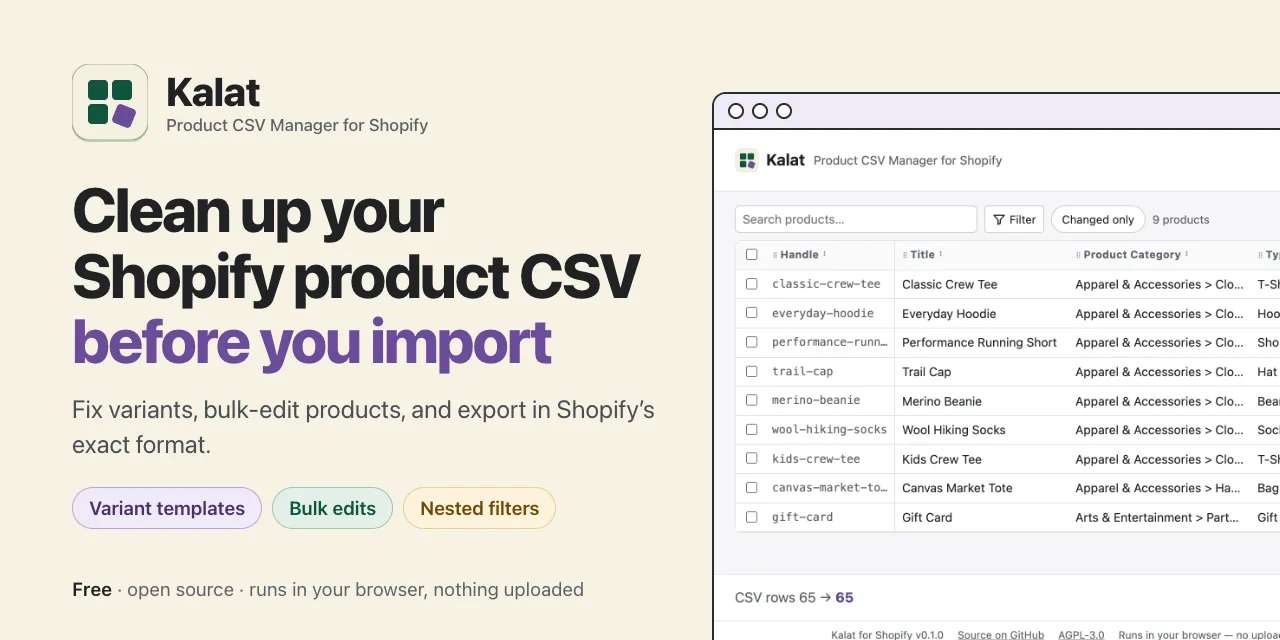
When I started consolidating Dead Eye Designs' two Shopify stores into one, I found a product catalog that had ballooned over the course of a decade. Several tech leads and account managers had worked on it over the years, and it showed. Naming didn't match from one product to the next, and the variants were all over the place: 1,003 products carrying 42,086 of them.
A decade of hands on one catalog
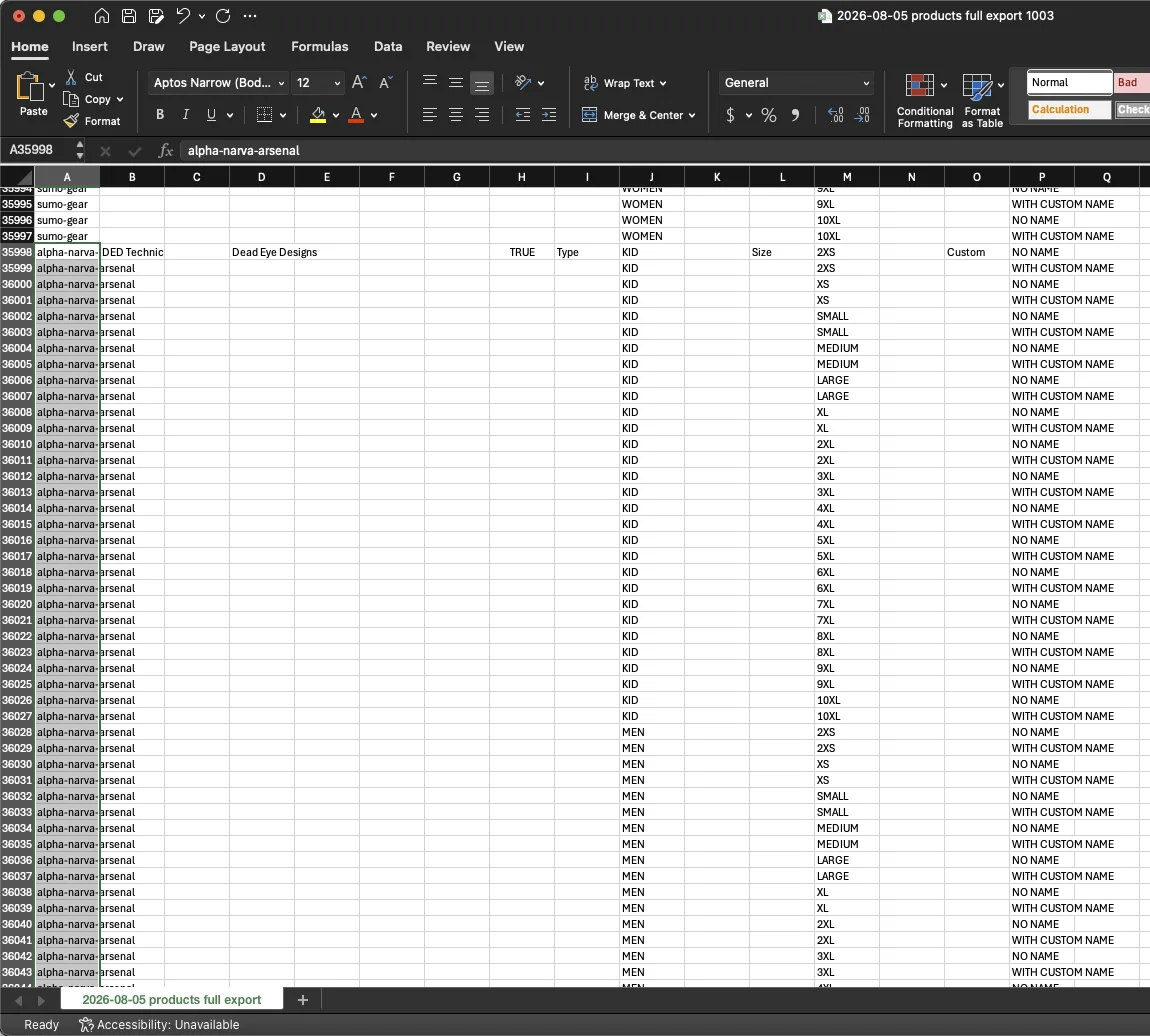
Each shirt could carry up to 90 variants. Men's, women's, and kids' sizes each had their own run, some going all the way up to 10XL. On top of that, every size came twice, once with a custom name and once without. Some listings were duplicates, some were designs we'd retired, and some had variants that were simply wrong.
Shopify's own bulk editor wasn't up to it. It was slow and hard to use at that scale. The faster route was Shopify's CSV export and import, but that file is easy to break. One product spans many rows, and its product fields belong on the first row only. If a variant row is missing its option value, Shopify deletes that variant on import. Product descriptions have line breaks inside them, so the file has more lines than records. Open it in Excel and your barcodes can lose their leading zeros.
I cleaned up five products by hand in a spreadsheet to learn the rules. It worked, but it took a lot of care, and doing it a thousand times over wasn't realistic.
Turning one manual cleanup into a tool
I'm not a software engineer, but I love using the newest tech tools. I saw a problem and used agentic coding with Claude Code to build a solution. I designed what Kalat should do and how it should behave.
MAKE MY MANUAL CLEANUP THE TEST
Before building any screens, I turned the five products I'd fixed by hand into the tool's main test. Kalat has to reproduce that result exactly, every column and every image in order, down to the byte. If a change breaks it, the change is wrong.
KEEP THE CATALOG ON THE MERCHANT'S COMPUTER
There are plenty of paid Shopify apps for bulk editing. Some are clunky, and some come from developers you've never heard of and want your catalog synced to their servers. Kalat is a web page with no server behind it, so the file is read in your browser and never uploaded. There's no account and no analytics. I also passed on a desktop app, which meant more to install for no gain, and on a command-line tool, because this cleanup is something you need to see.
GIVE EVERY PRODUCT THE SAME VARIANT STRUCTURE
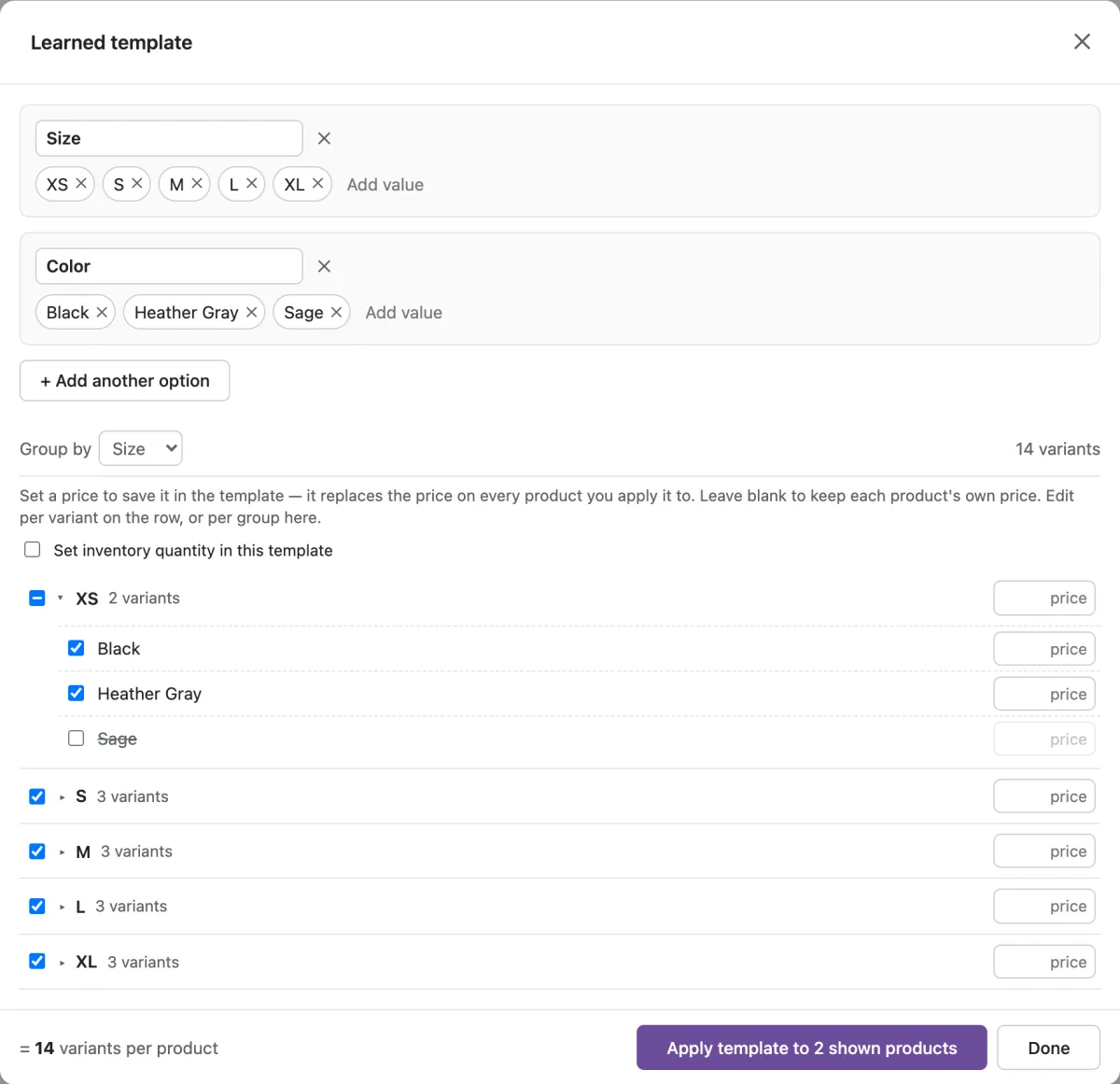
You can learn a template from a product you've already fixed, or build one with up to three options, minus the combinations you don't sell. Then apply it to many products at once. Existing variants keep their price, stock, and SKU. New ones start safely, with stock at zero and no copied SKU. A template is never allowed to quietly drop one of a product's options.
READ THE STORE'S OWN COLUMNS
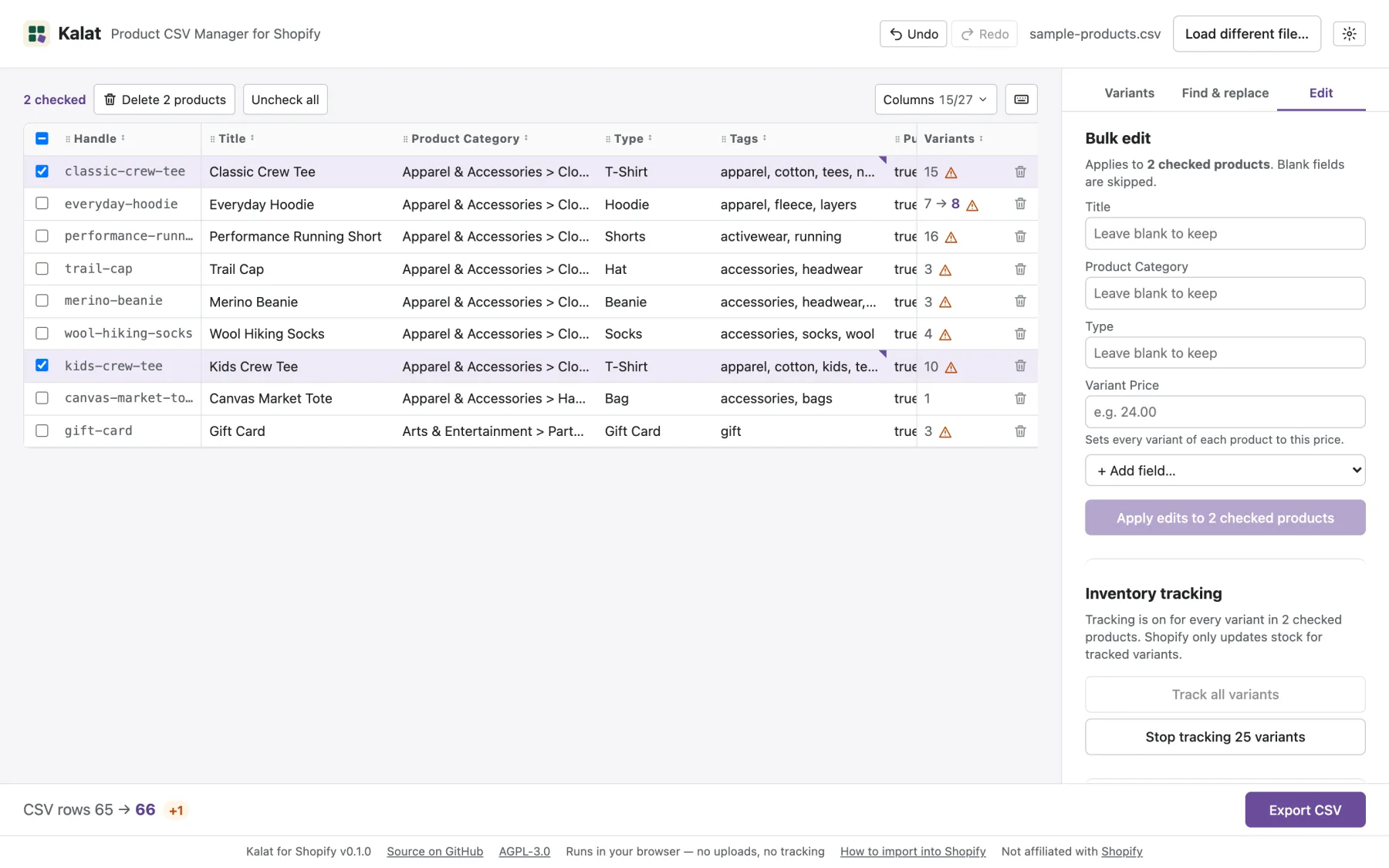
The grid is built from the file's own headers, so metafields and any columns Shopify adds later come through untouched. That paid off quickly. Shopify renamed one of its export columns while I was still building.
RELEASE IT SO A STRANGER CAN TRUST IT
The public version is generated by a script that removes internal notes and real store data, and refuses to publish if anything leaks. It ships with a feature site and a nine-product sample catalog, so anyone can try it without a store.
Using it takes four steps:
- Export your products from Shopify admin.
- Drop the file into Kalat. Apply a template, bulk edits, and fixes.
- Check the flagged products and the live row count, then export.
- Import it back with "Overwrite products with matching handles," keeping the original as a backup.
UNDER THE HOODThe stack, the golden test, the release pipeline and the build log
- Stack: TypeScript, React, Vite, and Zustand, with PapaParse for the CSV and Vitest for tests. Hosted on GitHub Pages: the feature site at the root, the app under
/app/. - The golden test: the engine turns the five-product
beforefile into the hand-madeafterfile byte for byte (450 variant rows → 110, all 58 columns). It's the correctness contract, and it's never loosened to make a change pass. - Never split on lines: the
Body (HTML)field holds line breaks, so the five-product file has 1,430 lines but 450 records. Everything goes through a real CSV parser. - Templates as a tree: a template is a tree of up to three options with exclusions, so it can't drop a product's third option the way the first two-axis design could.
- Release pipeline: the public repo is a generated copy, never hand-edited. The port script anonymizes the test files, strips internal tags, and fails on any leak.
- Build log: 2026-08-04 → 2026-10-20, 11 weeks with 17 active days, mostly in October. 30 Claude Code sessions, 145 prompts, about 19 hours of session time, 89 commits, 16 planned features shipped, 0 reverts. Models: Claude Opus 5.5, Opus 4.8, Fable 5, and Sonnet 5.5.
What changed
The cleaned catalog went live on ded.store in September 2026. It went from 1,003 products and 42,086 variants to 939 products and 14,449 variants, about two-thirds fewer. Along the way I merged duplicates, retired old designs, and corrected wrong variants. The shirts I started with went from 90 variants each to 22. The custom name moved out of the variants and became its own option on the product page.
Sizes are now easy to manage and easy to click through, both in the admin and on the storefront. Our account managers build new products from saved variant templates instead of starting from scratch. For customers, the store looks cleaner and more consistent.
On 2026-10-19 I released Kalat for free, with no sign-up. The build took about 19 hours of working sessions, spread across 11 weeks.
Kalat only reads product files for now, not orders or customers. Shopify has a newer column format it doesn't read yet, so I parked that until a real export arrives in it. A screen-reader check is still on the list.
Looking back
The biggest lesson for me is that we can build tools made for exactly how we work. I set out to clean up one store, and finding a smarter way to do it produced something other merchants can use too. The paid apps exist, but a structured way to work through the plain CSV Shopify already gives you turned out to be enough. It was quick, and the catalog never left my computer.